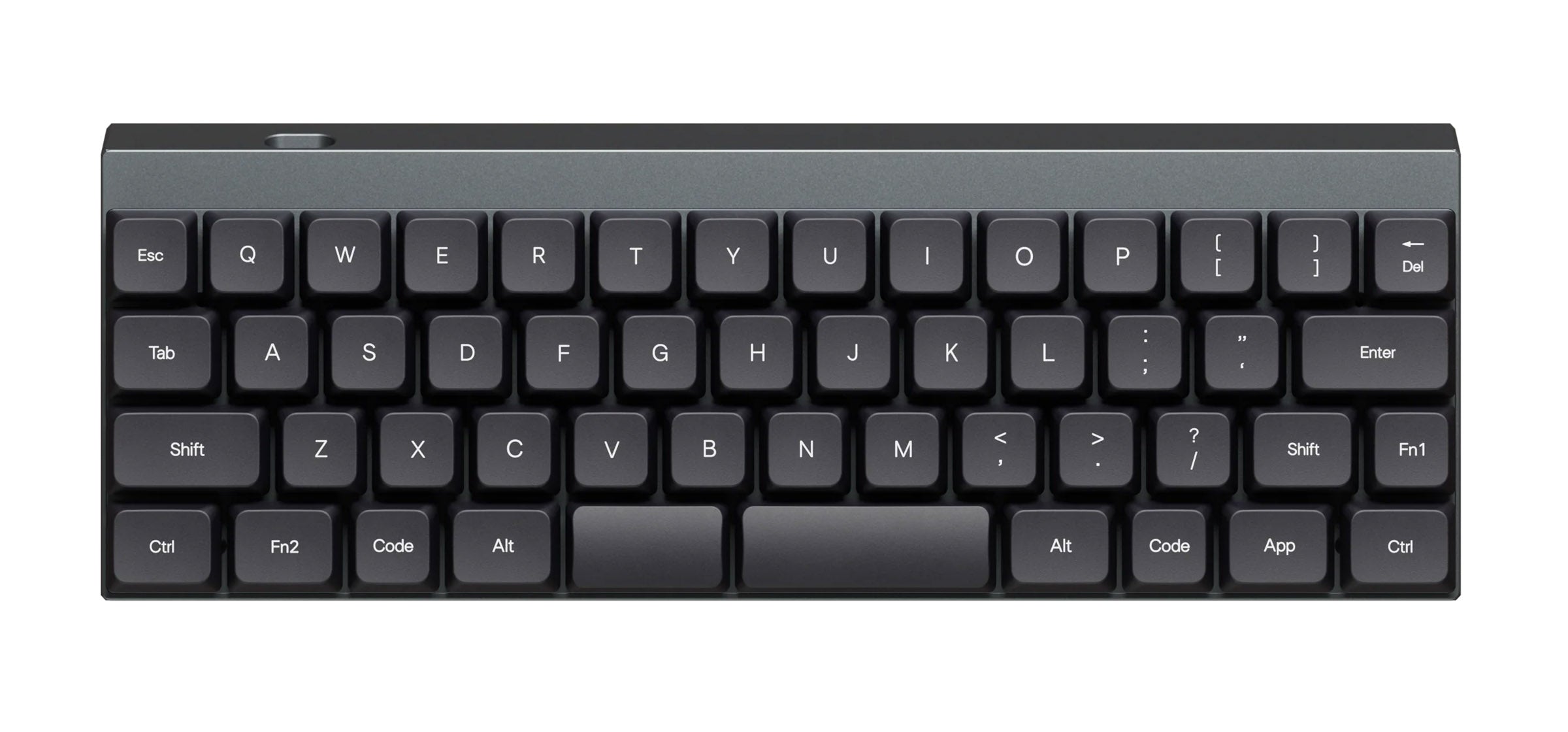
Featured Keyboard: Chosfox Init40 — A Row-Staggered 40% Made for First-Timers
Introduction
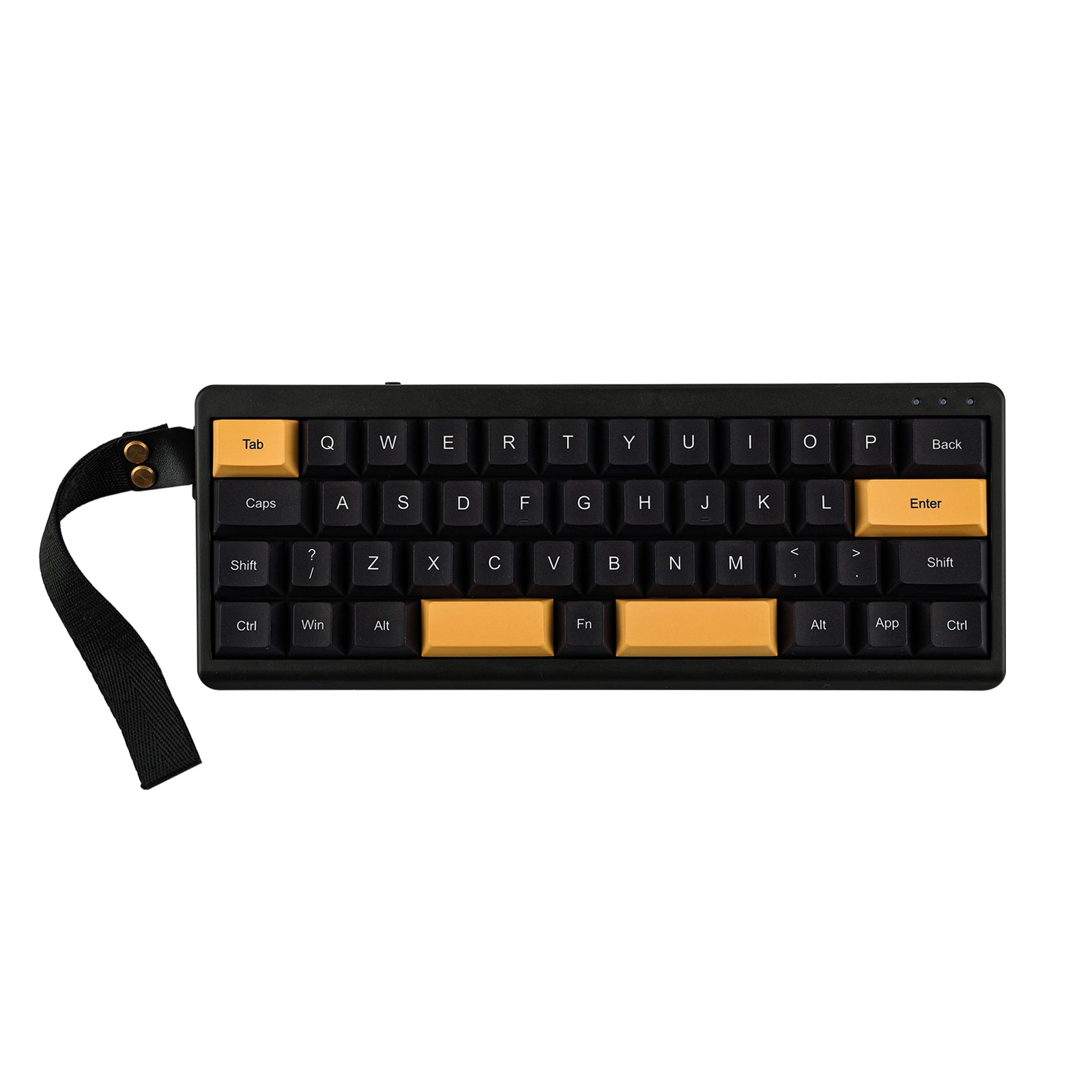
This week's featured keyboard is the Chosfox Init40, a low-profile 40% keyboard released on August 25, 2026. It has recently been one of the most viewed keyboards on KeyLab DB.
A 40% keyboard drops the number row and function keys, and you reach them by switching layers. Chosfox has so far made the ortholinear Geonix series, but the Init40 deliberately uses the same row-staggered layout as an ordinary keyboard, aimed squarely at people trying 40% for the first time.
Chosfox
The short answer
| If you... | Fit |
|---|---|
| Want to carry your keyboard or free up desk space | Good fit. 240mm wide, about 0.49kg, with a carrying case |
| Want to try 40% without also changing layouts | Good fit. A standard row-staggered layout |
| Want to swap in your own low-profile switches | Good fit. Hot-swap for Kailh Choc V2 |
| Use numbers, symbols or function keys constantly | Not a fit. They all live on layers |
| Want backlighting | Not a fit. No RGB lighting |
| Want standard (MX-compatible) switches | Not a fit. Low-profile Choc V2 only (see the Epomaker TH40) |
Specs
Based on KeyLab DB data and the Chosfox product page, as of September 29, 2026.
| Item | Details |
|---|---|
| Layout | 40%, row-staggered (42 keys) |
| Switches | Kailh Choc V2 hot-swap |
| Stock switches | Choice of White Rain / Black Cloud / Deep Sea Linear / Deep Sea Tactile |
| Case | Aluminum |
| Mount | Tray mount (KeyLab DB) |
| Typing angle | 5° |
| Connectivity | USB-C wired / Bluetooth / 2.4GHz |
| Battery | 1800mAh, up to 60 hours (KeyLab DB) |
| Keymap | VIAL (JIS firmware available) |
| Lighting | No RGB (layer indicator light) |
| Size and weight | 240 × 87 × 20mm, 0.49kg (KeyLab DB) |
| In the box | Semi-hard carrying case, strap, 2.4GHz receiver, spare keycaps |
A kit version without switches and keycaps is also available.
Highlights
40% without relearning the layout
Many 40% keyboards are ortholinear, with keys in a straight grid. That can make finger movement more natural, but while you adjust, going back and forth with your usual keyboard causes typos. The Init40 keeps the familiar row-staggered layout, so the only new thing to learn is layers.
You can see which layer you are on
The first thing that trips people up with 40% is losing track of which layer is active. The Init40 has a layer indicator light that shows the current layer at a glance. It is a small detail, but it shortens the learning curve.
Change the keymap from your browser
With VIAL support, you can rearrange keys and layers in a browser, with no programming required. Where numbers, Enter or Backspace should go varies a lot from person to person, and tuning it as you go is part of the fun of 40%.
Built to travel
At 240mm wide and about 0.49kg, it is small, and it comes with a semi-hard carrying case and a strap. With wired, Bluetooth and 2.4GHz connections, you can take it along with a laptop and switch between devices.
Compared with the Geonix48 Rev2.5 and LUMA40
Here are the low-profile 40% keyboards with Choc V2 support, using KeyLab DB data.
| Keyboard | Layout | Keys | Mount | Connectivity |
|---|---|---|---|---|
| Chosfox Init40 | Row-staggered | 42 | Tray | USB-C / BT / 2.4GHz |
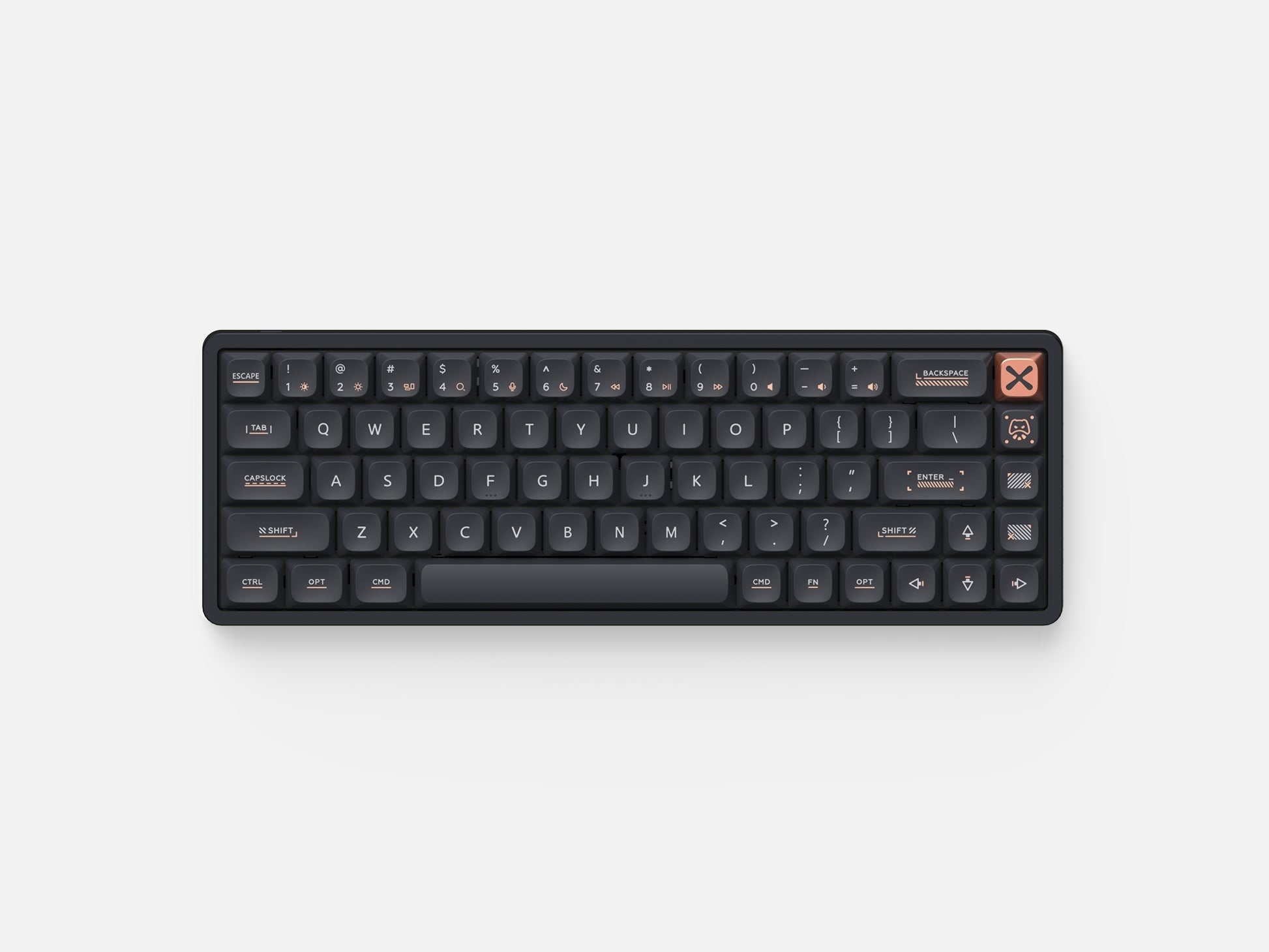
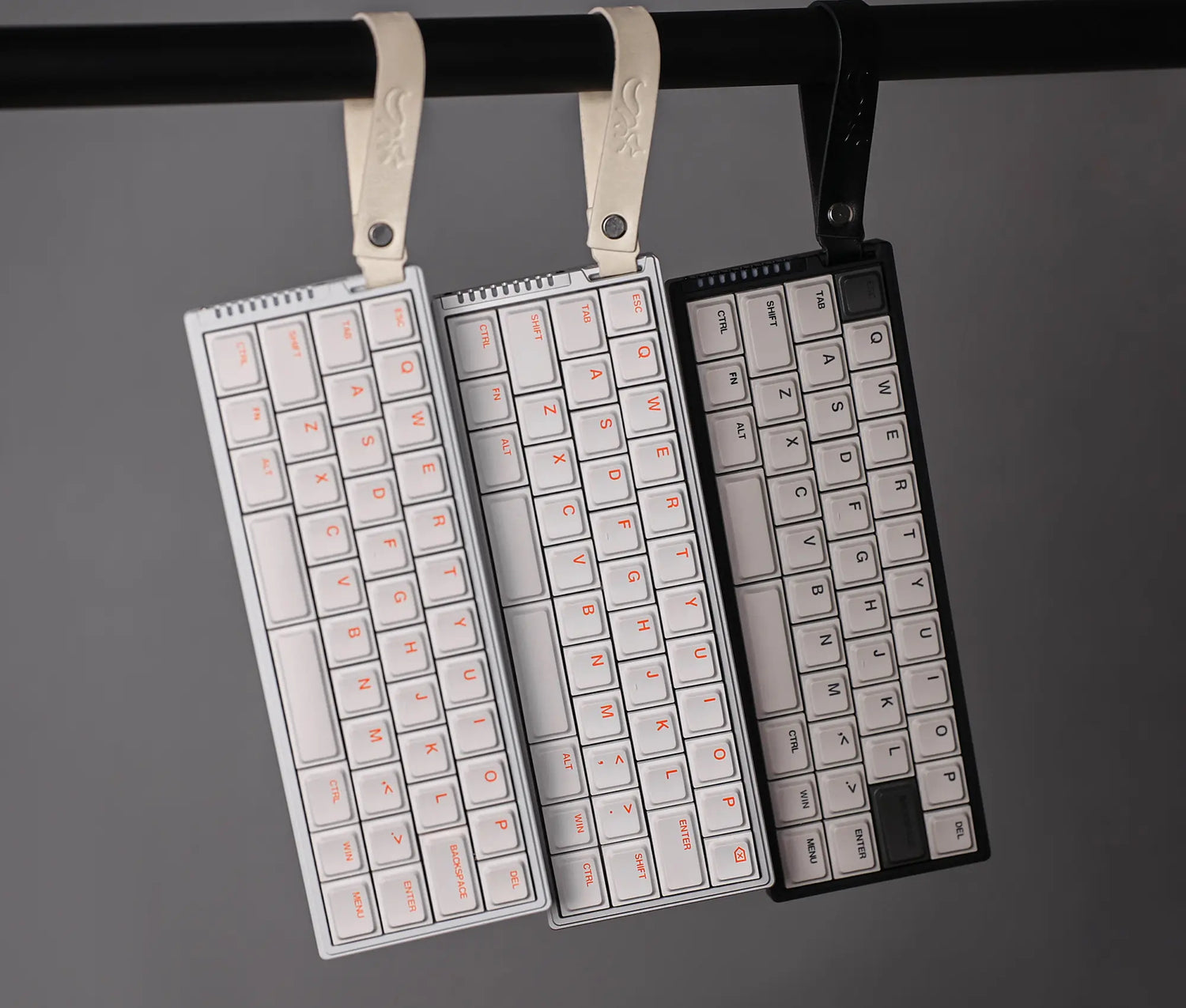
| Chosfox Geonix48 Rev2.5 | Ortholinear | 47 | Tray | USB-C / BT / 2.4GHz |
| EPOMAKER LUMA40 | Row-staggered | 47 | Tray | USB-C / BT / 2.4GHz |
The Geonix48 Rev2.5, also from Chosfox, is ortholinear with a flat case. It has more keys and more freedom in assigning thumb keys. Green Keys also points out a difference in sound: the Init40 has no dampening foam and sounds crisp, while the Geonix48 Rev2.5 uses dampening material for a softer tone.
Chosfox
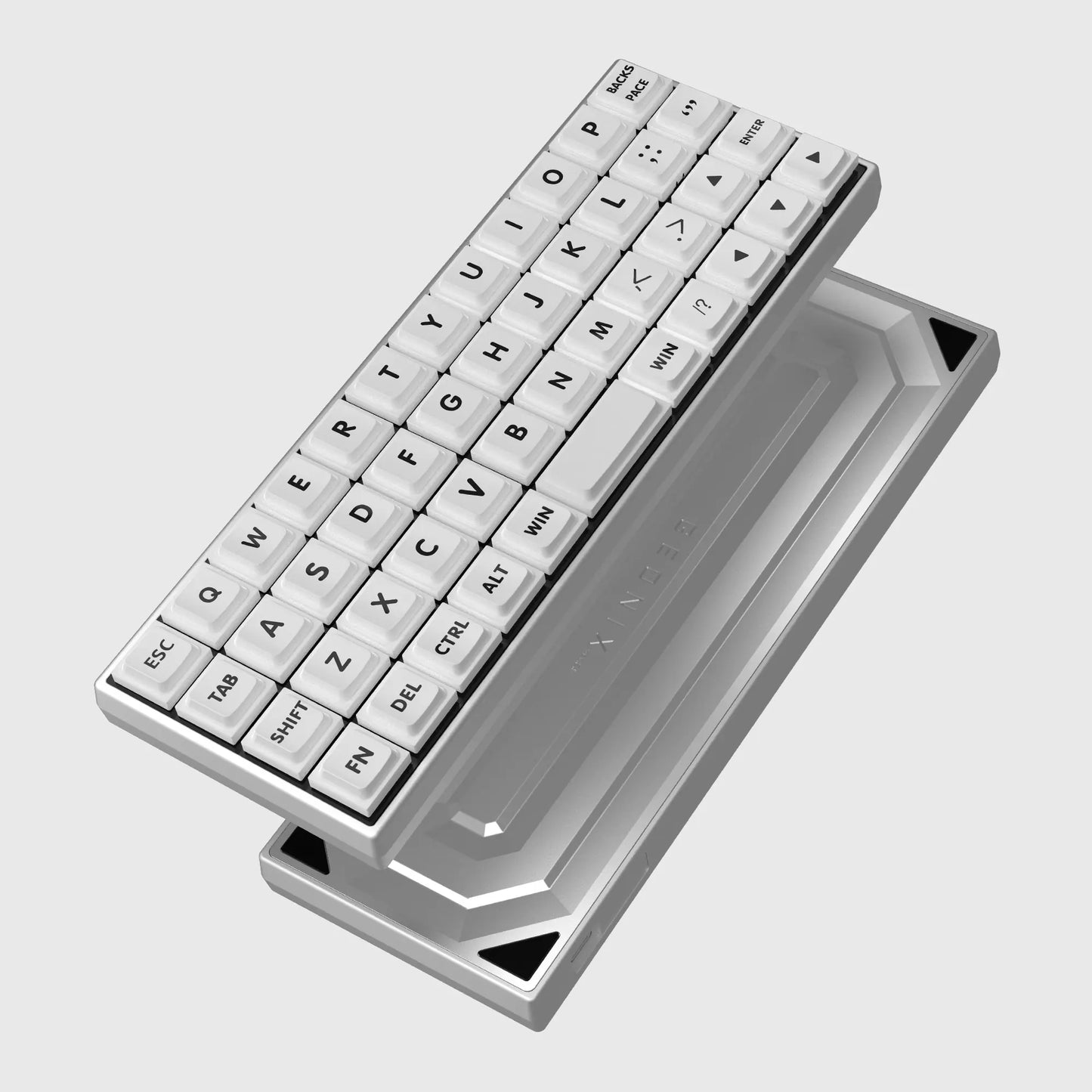
The EPOMAKER LUMA40 is a row-staggered board with more keys (47), and its stock switch is the same Kailh White Rain as the Init40.
Epomaker

For standard-size switches: Epomaker TH40
If you are not set on low profile and want a 40% where you can swap in standard (MX-compatible) mechanical switches, the Epomaker TH40 is worth a look. According to KeyLab DB, it has 44 keys, a gasket mount, and wired, Bluetooth and 2.4GHz connections.
The person who runs KeyLab DB used a TH40 for a while. It is a handy size to carry, and its switches can be swapped, so it suits people who want to pick from the wide range of MX-compatible switches. It is thicker than the Init40, though: 35mm tall (KeyLab DB) against the Init40's 20mm.
Epomaker
Switches to pair with it
The Init40's four stock switch options (White Rain / Black Cloud / Deep Sea Linear / Deep Sea Tactile) are all Choc V2 staples. If you will use it out and about, consider a silent Deep Sea switch, or the even lighter Pink Island.

We compare all 21 Choc V2 switches in Kailh Choc V2 Switches: How to Choose.
Summary
The Chosfox Init40 lets you try the small size and portability of 40% while keeping the layout you already know. The layer indicator and VIAL keep the learning curve manageable. If you want to try ortholinear, pick the Geonix48 Rev2.5. If you want to start 40% without changing layouts, pick the Init40. If you would rather swap standard-size switches, pick the Epomaker TH40.
Explore more
- Browse 40% keyboards on KeyLab DB
- Kailh Choc V2 Switches: How to Choose
- Low-Profile Split Keyboards Compared
References
FAQ
- Can I use Choc V1 switches in the Init40?
- The Chosfox product page lists support for Kailh Choc V2. It is safer not to buy it expecting to use Choc V1 switches or keycaps.
- How do I type numbers and function keys?
- You switch layers. The Init40 supports VIAL, so you can change which keys sit on which layer from your browser, and the built-in layer indicator shows which layer you are on.
- How is it different from the Geonix48 Rev2.5?
- The Init40 uses the same row-staggered layout as a typical keyboard with a 5° typing angle, while the Geonix48 Rev2.5 is ortholinear (keys in a straight grid) and flat. If you want to start with 40% while keeping a familiar feel, the Init40 is the easier choice.